So today as I am wrapping up the month of July, I thought I would share a few reflections on some learnings from my digital art process using Procreate. And a recent pair of pieces provided the perfect opportunity.
So first here are the pieces, one a re-do of the other. The original piece is on the left and the second version on the right.
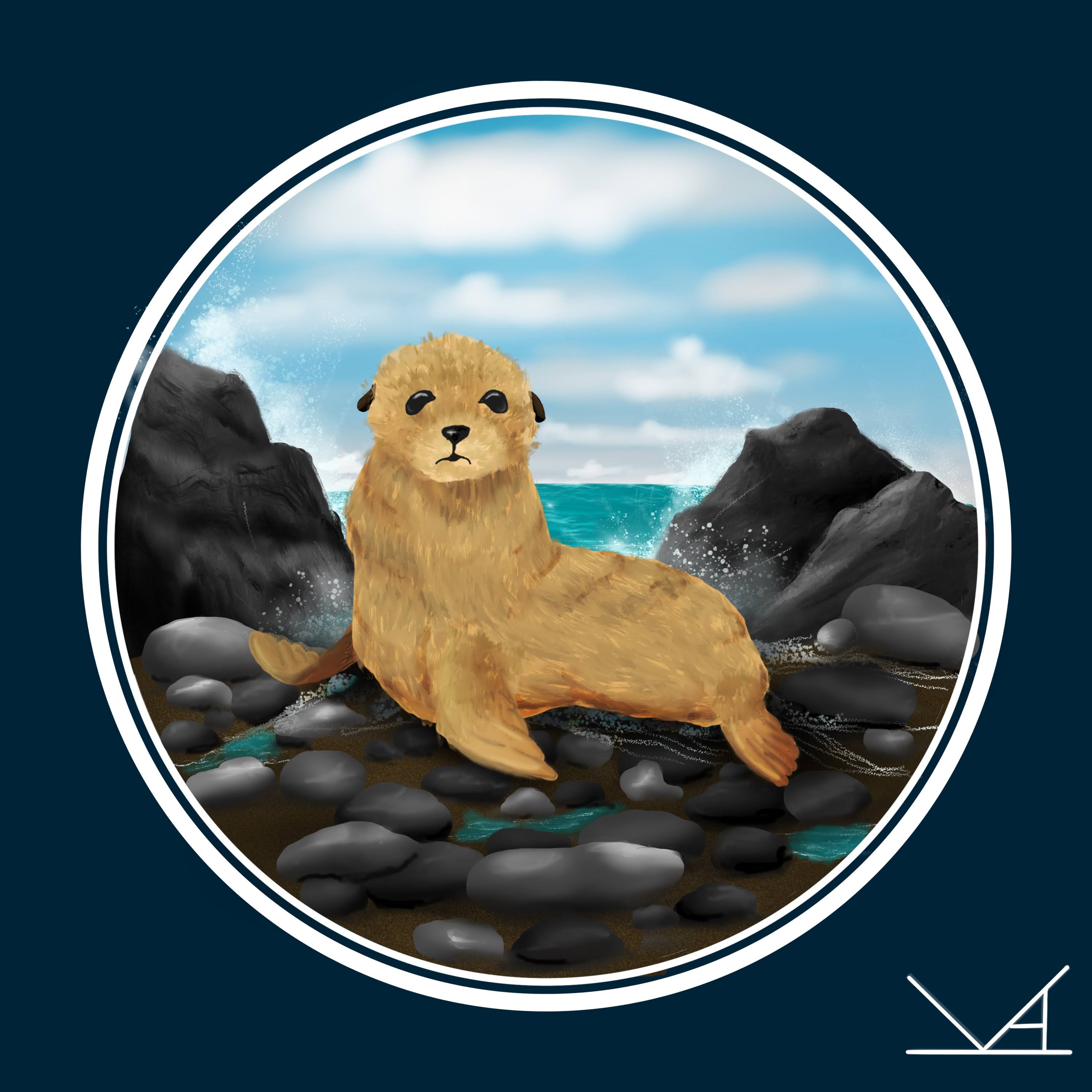
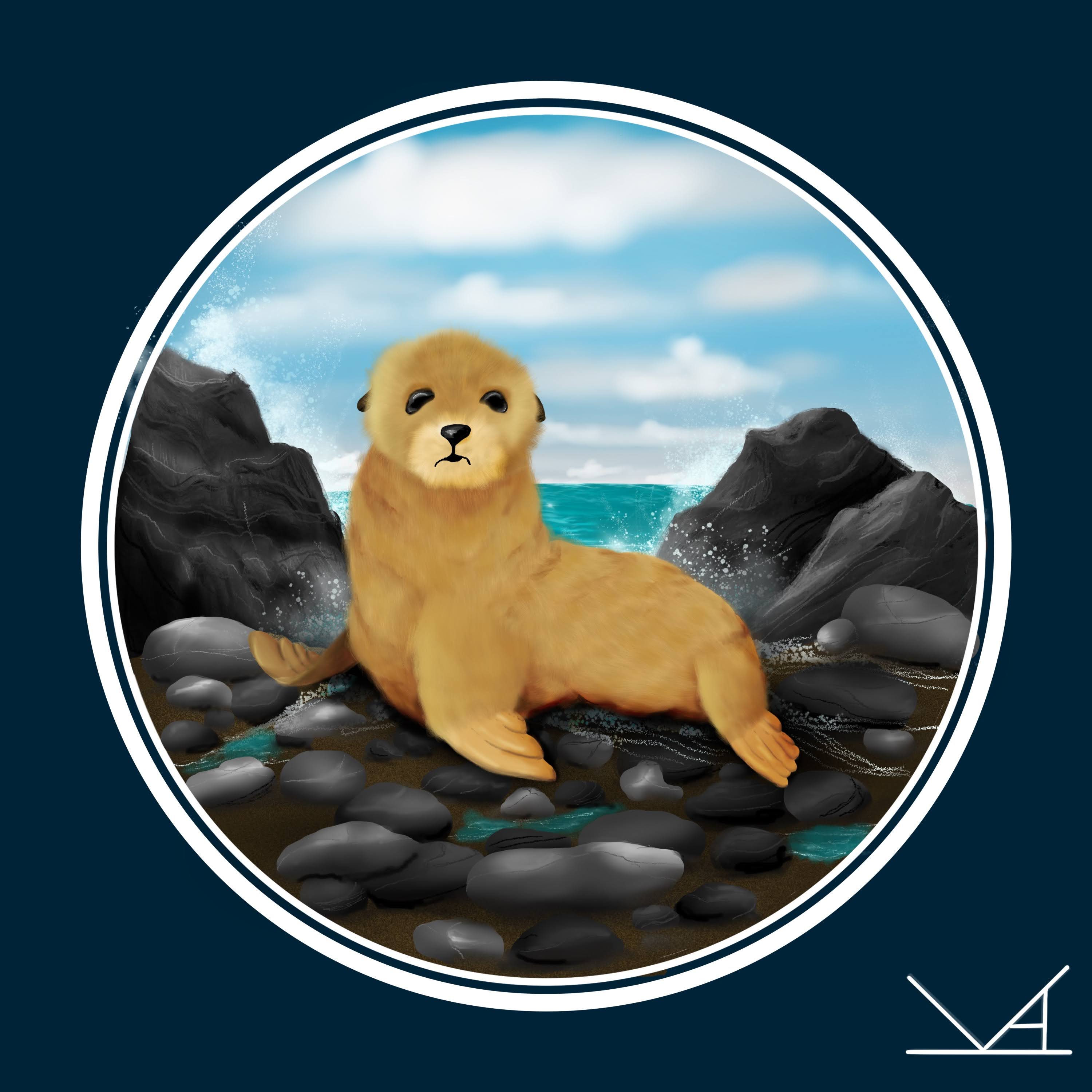
Both feature a fur seal pup sitting on a rocky beach and at quick glance, some of the differences may not be super obvious to an observer. But the process of making the changes led me to a few thoughts.
1) Starting with a sketch is really helpful
Yes, I know I already wrote a blog post on this exact topic, but I stand by it. Having a sketch gives me a starting point for the general shapes and even where I want to add some of the shading and details. But my final design doesn’t look exactly like what I started with.
2) Choosing the right brush can make a huge difference.
Recently, I have been drawing a lot of small, fluffy creatures (mostly because they are adorable). But admittedly, I had a tough time figuring out how to get the texture I was looking for. In the first attempt, the fur texture was created using the Dry Brush under Painting. It seemed to work alright, but I had a rough time blending the flippers into the body.
On my second attempt, I switched to the short hair brush under Touchups. I varied the color and size of the brush more as well. In fact, there were several layers with the brush strokes. I had been playing with the Touchup hair brushes when working on a rabbit drawing (the print is available in my Etsy shop) and liked how much softer it looked. I could also smudge the base color layer to help the flippers blend into the body layer a little better.
3) If I want to make changes, I don’t have to start from scratch.
This is still one of my favorite things about digital art. If I want to change a layer or a color, I can do that without completely starting over. With this piece, I was able to keep the background, but edit parts of the seal. Because I had combined some layers (more on that in a moment), I did have to re-do the whole seal, but was able to use original layers as a more detailed “sketch” to guide my work. I also added a few more details to the rocks and edited the shading to add more dimension. Though sometimes, I can barely notice those changes.
4)Details require a lot of layers.
So this might not be true for all digital artists, but I use a lot of layers when creating a piece. And one thing I occasionally bump into is the layer limit. For this 10×10 inch, 300dpi canvas, the limit was 55 layers. And for both of these pieces, I bumped up against this limit multiple times. So at times, I have to decide which layers to combine down and which ones to keep separate. It also might have something to do with how many layers were used just for the rocks (even after combining some down, there are still 13, not counting any of the other background elements).
And I know there is still so much to learn and continue to practice.
 Fernheart Designs